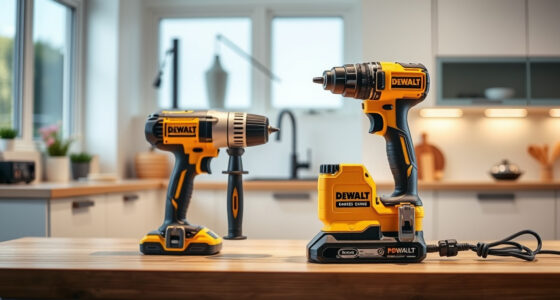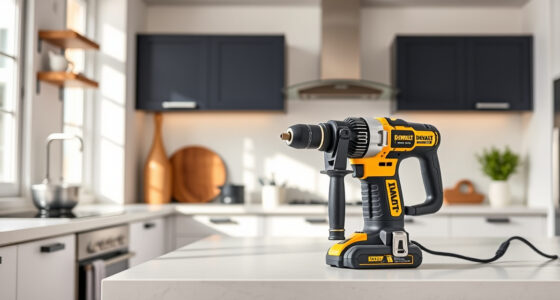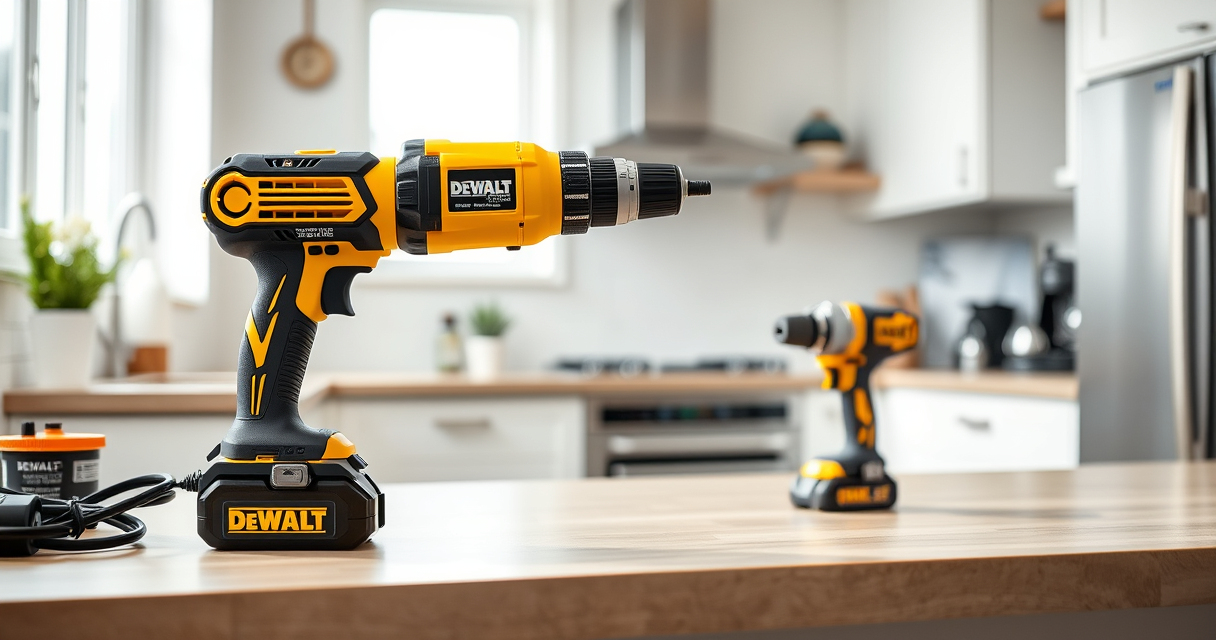
Keeping your DEWALT brushless drill in top condition is essential for optimal performance. Regular cleaning removes dust, debris, and dirt that can affect the tool’s function. This guide provides clear, safe steps to clean your drill effectively without damaging its components.
Follow these instructions carefully to ensure your drill remains reliable and ready for your next project.
Key Takeaways
| Proper cleaning prolongs tool life | Regular cleaning prevents dust buildup that can impair performance. |
| Use the right tools | Soft brushes and compressed air are ideal for cleaning delicate parts. |
| Avoid moisture damage | Keep the drill dry and avoid using excessive liquids during cleaning. |
| Check for damage after cleaning | Inspect for loose parts or signs of wear to ensure safety. |

DEWALT 20V MAX Cordless Drill Driver Set, Electric Drill, Brushless 1/2 In 2 Speed, 2.0 Ah Battery and Charger Included, LED Light (DCD777D1)
- Motor Type: Brushless motor for longer run time
- Size: Compact 7.6-inch design
- Design: Lightweight for easy handling
As an affiliate, we earn on qualifying purchases.
Preparation Before Cleaning
- Disconnect the drill from any power source or remove the battery to prevent accidental activation.
- Gather cleaning tools: a soft brush, compressed air can, a damp cloth, and a mild cleaning solution if needed.
- Ensure the workspace is well-ventilated and free of clutter.

DEWALT Drill Bit Set, 3-Flats Shank,14-Piece, 135 Degree Split Point, for Plastic, Wood and Metal (DWA1184)
- Tip Design: 135° Split Point to Reduce Walking
- Material: High-Speed Steel for Versatility
- Durability: Tapered Web for Strength and Breakage Resistance
As an affiliate, we earn on qualifying purchases.
Cleaning the Exterior
- Use a dry or slightly damp cloth to wipe down the exterior surfaces, avoiding excessive moisture.
- For stubborn dirt, lightly dampen the cloth with a mild cleaning solution—never pour liquids directly on the drill.
- Wipe the LED light and handle for a clean, clear view and comfortable grip.
Removing Dust and Debris from Vents and Chuck
- Use compressed air to blow out dust from the vents, motor housing, and chuck area. Hold the can upright and use short bursts.
- Use a soft brush to dislodge any debris stuck in crevices or around the chuck.
- Check the chuck for debris and ensure it rotates smoothly after cleaning.
Cleaning the Internal Components
In most cases, internal cleaning isn’t necessary unless your drill has been exposed to excessive dust or debris. If needed, consult a professional or authorized service center. Do not attempt to open the drill yourself, as it may void the warranty.
Final Checks and Maintenance
- Reattach the battery and test the drill to ensure proper operation.
- Inspect the chuck for tightness and smooth rotation.
- Store the drill in a dry, protected area away from dust and moisture.
The Products in This Guide

DEWALT 20V MAX Cordless Drill Driver Set
- ✔ Length: 7.6 inches
- ✔ Weight: Lightweight design
- ✔ Warranty: 3-year limited

DEWALT Drill Bit Set
- ✔ Tip Angle: 135°
- ✔ Suitable Materials: Plastic, wood, metal
- ✔ Durability: High
DEWALT 20V MAX Cordless Drill Driver Set
The DEWALT 20V MAX Cordless Drill Driver Set is a reliable, compact power tool equipped with a brushless motor, making it durable and efficient. Regular cleaning helps maintain its performance, especially given its compact size and powerful motor.
Pros:
- Durable brushless motor
- Compact and lightweight
- LED light for visibility
- 2-speed transmission
Cons:
- Battery removal required for cleaning
- No internal cleaning recommended without professional help
Best for: DIY enthusiasts and professionals maintaining their drills
Not ideal for: In-depth internal cleaning without professional service
Bottom line: Regular external cleaning extends your drill’s lifespan and ensures peak performance.
DEWALT Drill Bit Set
The DEWALT Drill Bit Set offers durable, rust-resistant bits with a split point tip, making it easier to keep your tools in top shape alongside your drill.
Pros:
- High-speed steel construction
- Reduces walking
- Set includes 14 pieces
- Tapered web for durability
Cons:
- Limited to bits, not cleaning tools
- Requires separate storage
Best for: Keeping drill bits in prime condition
Not ideal for: As a cleaning tool for the drill itself
Bottom line: A versatile drill bit set that complements your drill’s maintenance routines.
Frequently Asked Questions
Can I clean the internal motor of my DEWALT drill myself?
No, internal cleaning should be performed by a professional or authorized service center to avoid damage and voiding the warranty.
What is the best method to remove dust from the vents?
Use a can of compressed air to blow out dust from the vents, holding the can upright and using short bursts for safety and effectiveness.
Is it safe to use water or liquids for cleaning the exterior?
It’s best to avoid liquids; use a damp cloth with mild soap if necessary. Never pour or spray liquids directly onto the drill.
How often should I clean my drill?
Clean your drill after every few uses, especially if used in dusty environments, to keep it running smoothly.
Keep Your DEWALT Drill at Peak Performance
Regular cleaning of your DEWALT brushless drill is a simple but essential part of maintenance. By following these step-by-step instructions, you can ensure your tool remains reliable and efficient for years to come. Remember to always prioritize safety and consult professionals for internal repairs or deep cleaning needs.
Affiliate disclosure: As an Amazon Associate we earn from qualifying purchases. Prices and availability are accurate as of the time of publishing.