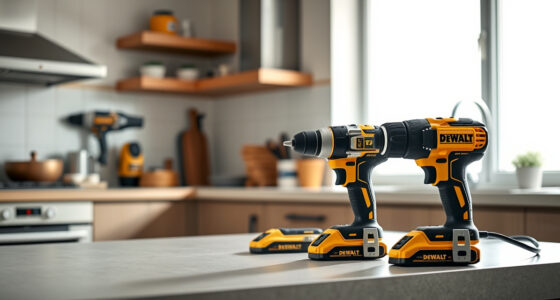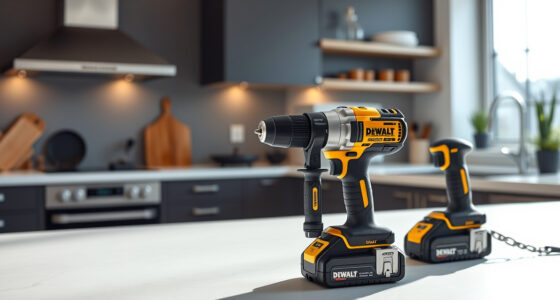
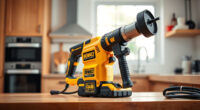
If your DEWALT 20V MAX battery isn’t charging, it can halt your projects and cause frustration. Understanding common causes and following proper troubleshooting steps can help restore your tool’s power quickly and safely.

Get garage and car supplies delivered free — and shop member deals
- Fast, free delivery on millions of items
- Access to Prime Big Deal Days deals on October 6–7
- Prime Video, Amazon Music and more included
In this guide, you’ll find clear, practical instructions to identify issues, troubleshoot effectively, and fix your DEWALT battery charging problems with confidence.
Key Takeaways
| Check the charger | Ensure the charger is functioning properly and the power source is active. |
| Inspect the battery | Look for physical damage or dirt on the battery and contacts. |
| Test with a different charger | Rule out charger issues by trying another compatible DEWALT charger. |
| Reset the battery | Remove and reinsert the battery to reset the connection. |
| Allow cooling time | Let the battery cool down if it’s overheated before charging again. |
Step 1: Verify the Power Source
- Ensure the electrical outlet or extension cord is working by plugging in another device.
- Check the power switch on your charger; make sure it’s turned on.
- If using a power strip, try plugging directly into the wall outlet to eliminate interference.
Step 2: Inspect the Battery and Contacts
- Remove the battery from the tool and examine the contacts for dirt, dust, or corrosion.
- Clean contacts gently with a dry cloth or a soft brush if needed.
- Inspect the battery for visible damage, swelling, or leaks. Do not attempt to charge a damaged battery.
Step 3: Test with an Alternate Charger or Battery
- Use a different DEWALT charger compatible with your battery model to see if it charges.
- If available, try charging a different battery with your charger to determine if the issue is with the battery or the charger.
Step 4: Reset and Cool Down
- Remove the battery from the charger and let both cool down if they feel warm or hot.
- Reinsert the battery firmly into the charger and check for any charging indicator lights.
- Allow the battery to sit for at least 30 minutes if it was overheated before attempting to charge again.
Additional Tips & Safety Warnings
- Always use a compatible DEWALT charger to avoid damage or voiding the warranty.
- Never attempt to disassemble or modify the battery or charger.
- If the battery remains uncharged after troubleshooting, consider replacing it or contacting DEWALT customer support.
The Products in This Guide

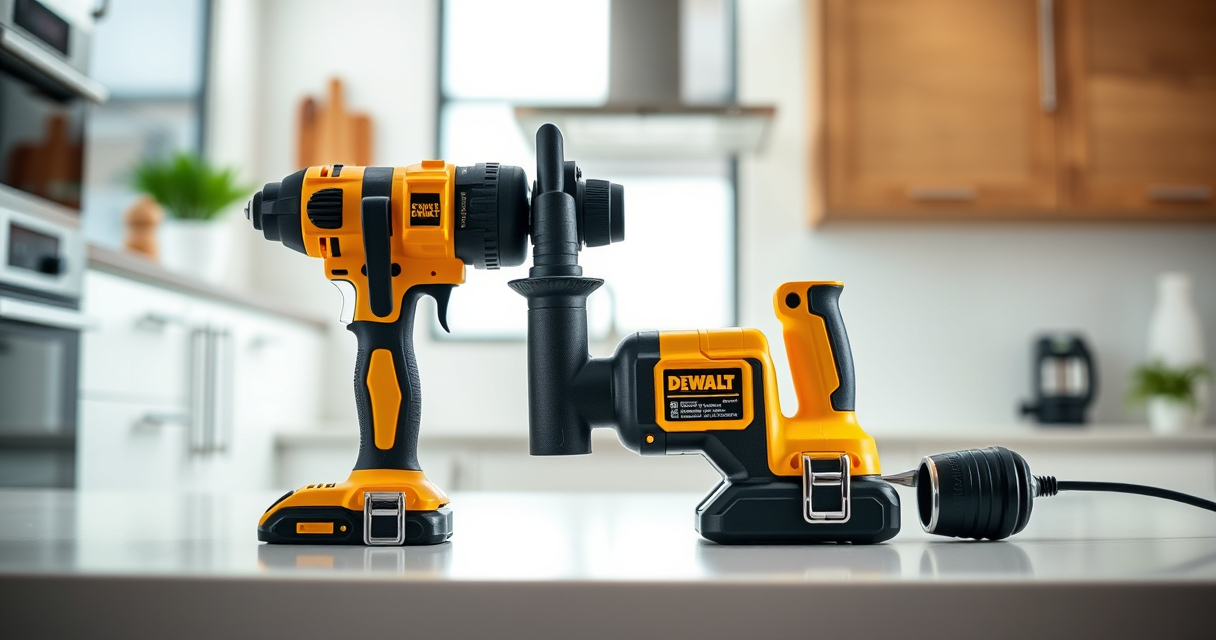
DEWALT 20V MAX Cordless Drill Driver Set
- ✔ Battery Capacity: 5.0 Ah
- ✔ System Compatibility: 20V MAX
- ✔ Warranty: 3 years

DEWALT Drill Bit Set
- ✔ Number of Bits: 14
- ✔ Tip Design: Split point
- ✔ Coating: Black and gold
DEWALT 20V MAX Cordless Drill Driver Set
The DEWALT 20V MAX Cordless Drill Driver Set is a versatile and dependable tool, but like all batteries, it can face charging issues. Following these troubleshooting steps helps ensure your tool stays powered and ready for action.
Pros:
- Easy to troubleshoot
- Prevents unnecessary replacements
- Safe step-by-step instructions
- Works with original DEWALT charger
Cons:
- Requires some technical knowledge
- May need replacement parts
- Not suitable for damaged batteries
Best for: DIYers and professionals needing quick troubleshooting tips
Not ideal for: Battery damage or internal faults requiring professional repair
Bottom line: Follow these troubleshooting steps to get your DEWALT battery charging again efficiently.
DEWALT Drill Bit Set
The DEWALT Drill Bit Set offers 14 high-quality bits with a durable split point tip, ideal for various materials. It complements your drill set perfectly, especially when tackling different projects.
Pros:
- High-speed steel construction
- Corrosion-resistant coating
- Easy size identification
- Fits all 3-flat shank drills
Cons:
- Limited to drilling; no impact driver bits
- Requires proper storage
- Not for heavy-duty industrial use
Best for: Home improvement and light to medium DIY projects
Not ideal for: Heavy industrial applications or professional stone drilling
Bottom line: A versatile set that enhances your drilling capabilities across various materials.
Frequently Asked Questions
Why is my DEWALT battery not charging?
Common causes include a faulty charger, dirty or damaged contacts, or a damaged battery. Troubleshooting these areas can help identify the issue.
How do I reset my DEWALT battery charger?
Most DEWALT chargers do not have a reset button. Instead, unplug the charger from power, wait 30 seconds, then plug it back in and try charging again.
Can I leave my battery on the charger indefinitely?
It’s best to remove the battery once fully charged to prolong its lifespan. Modern DEWALT chargers typically have automatic shut-off or trickle charging features.
My battery heats up while charging. Is that normal?
Some warmth during charging is normal, but excessive heat indicates a problem. Allow the battery to cool before trying again and inspect for damage.
Keep Your DEWALT Tools Powered Up
Regular maintenance and careful troubleshooting can extend the life of your DEWALT batteries and ensure your tools are ready whenever you need them. Always prioritize safety and use genuine parts to avoid damage or injury. If problems persist, professional repair or replacement may be necessary.
Affiliate disclosure: As an Amazon Associate we earn from qualifying purchases. Prices and availability are accurate as of the time of publishing.
Fall Picks
fall essentials
As an affiliate, we earn on qualifying purchases.