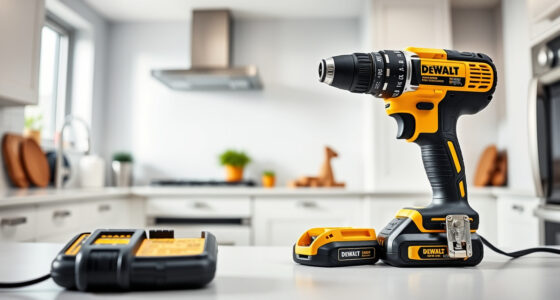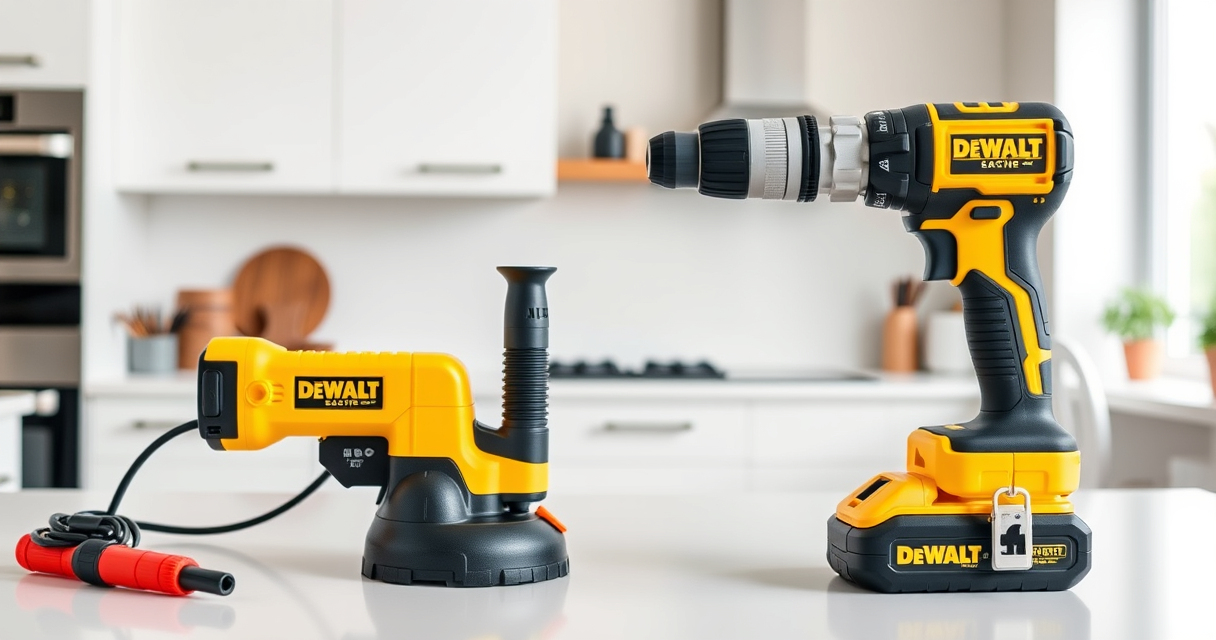

Having trouble with a stuck chuck on your DEWALT cordless drill can be frustrating, especially when you’re in the middle of a project. Understanding the common causes and knowing how to safely fix it can save you time and money. This guide provides practical, step-by-step instructions to help you resolve chuck issues effectively.

Get business pricing on garage and car supplies
- Business-only prices and quantity discounts
- Tax-exempt purchasing
- Multiple users, one account, clear invoices
Key Takeaways
| Cause of Stuck Chuck | Debris, worn-out parts, or over-tightening can cause the chuck to seize. |
| Safety First | Always disconnect the battery before attempting repairs. |
| Basic Fixes | Lubricate, clean, or manually loosen the chuck. |
| When to Seek Help | If the chuck remains stuck after basic fixes, professional repair may be necessary. |
Identify the Cause
Before attempting to fix the chuck, determine why it is stuck. Common causes include debris buildup, worn-out components, or excessive force during bit tightening. Inspect the chuck for visible debris or damage.
Prepare Your Workspace and Tools
- Ensure the drill is powered off and the battery is removed.
- Gather a pair of pliers, a brush, lubricant (like WD-40), and a clean cloth.
Remove and Clean the Chuck
- Use pliers to gently grip the chuck if it’s loosened enough, and turn counter-clockwise to remove if removable.
- For non-removable chucks, apply lubricant (such as WD-40) around the chuck’s exterior and let it sit for a few minutes.
- Use a brush to clear debris from the chuck and its teeth.
Loosen the Stuck Chuck
- If the chuck is removable, soak it in penetrating oil and gently tap it with a rubber mallet to loosen.
- Reattach the chuck and try to turn it manually with your hand or pliers, applying gentle force.
- If it turns freely, reinstall it onto the drill and test with a bit.
Reassemble and Test
Once the chuck moves smoothly, reassemble all parts, reinsert the battery, and test the drill with a bit to ensure proper operation. If issues persist, consider professional servicing.
The Products in This Guide

DEWALT 20V MAX Cordless Drill and Impact Driver
- ✔ Battery Capacity: 5Ah
- ✔ Weight: Lightweight
- ✔ Trigger Type: Variable speed

DEWALT Drill Bit Set
- ✔ Material: High Speed Steel
- ✔ Number of Bits: 14
- ✔ Tip Angle: 135 degrees
DEWALT 20V MAX Cordless Drill and Impact Driver
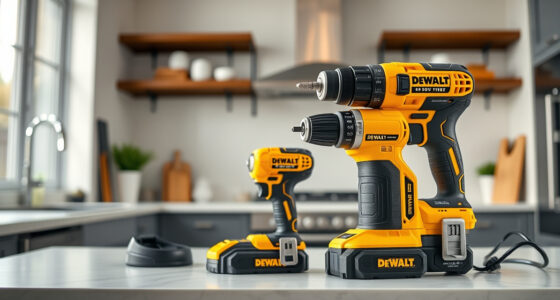
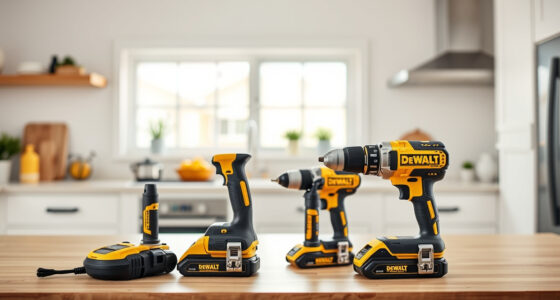
The DEWALT 20V MAX Cordless Drill and Impact Driver set is a versatile choice for many projects. If the chuck gets stuck, following the proper troubleshooting steps can restore its function without the need for costly repairs.
Pros:
- Compact and lightweight design
- Ergonomic comfort grip
- Bright LED for dark spaces
- Quick-release hex chuck
Cons:
- Chuck can sometimes seize if not maintained
- Requires careful handling during fixes
Best for: DIY enthusiasts and professionals needing reliable cordless drilling power
Not ideal for: Heavy-duty industrial use or constant high-torque tasks
Bottom line: A dependable cordless drill set with straightforward troubleshooting for chuck issues.
DEWALT Drill Bit Set
Paired with your DEWALT drill, this 14-piece drill bit set with split points and high-speed steel provides durability and precision for a variety of materials.
Pros:
- Wide variety of bits
- Heavy-duty construction
- Corrosion-resistant coating
- Easy to identify sizes
Cons:
- Limited to drilling tasks, not for impact driving
- Some bits may be overkill for light-duty jobs
Best for: General drilling in plastic, wood, and metal
Not ideal for: Heavy impact driving or heavy industrial tasks
Bottom line: A reliable drill bit set that enhances your DEWALT drill’s capabilities.
Frequently Asked Questions
Can I fix a stuck chuck myself?
Yes, with proper safety precautions, you can clean and lubricate the chuck to resolve minor sticking issues. For severe damage, professional repair is recommended.
What should I do if the chuck won’t turn after cleaning?
If cleaning and lubrication don’t work, try soaking the chuck in penetrating oil, and consider replacing it if it remains seized.
Is it safe to remove the chuck myself?
Yes, but ensure the drill is unplugged or the battery is removed. Follow the manufacturer’s guidance and use proper tools to avoid injury.
When should I replace my drill’s chuck?
If the chuck is cracked, excessively worn, or repeatedly seizes despite maintenance, it’s time to replace it for safe operation.
Keep Your DEWALT Drill Running Smoothly
Regular maintenance and proper use are key to preventing a stuck chuck on your DEWALT drill. With these troubleshooting steps, you can often fix minor issues yourself, saving time and ensuring your tools are ready whenever you need them. When in doubt, consult a professional for repairs to keep your equipment safe and effective.
Affiliate disclosure: As an Amazon Associate we earn from qualifying purchases. Prices and availability are accurate as of the time of publishing.
Fall Picks
fall essentials
As an affiliate, we earn on qualifying purchases.