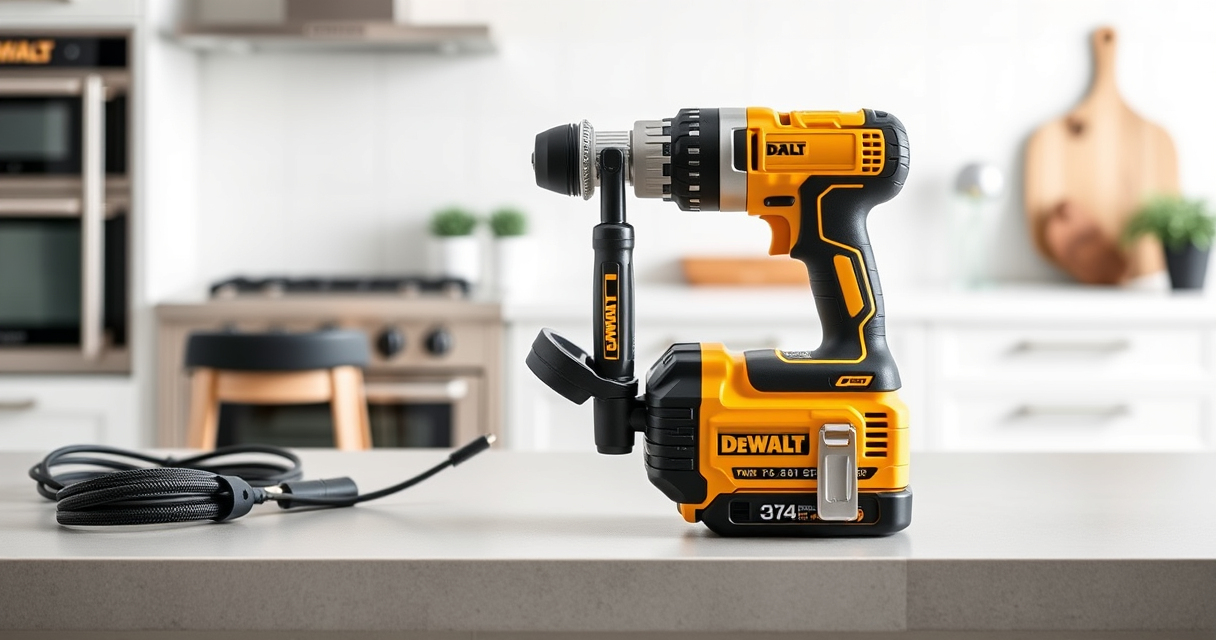
Keeping your DEWALT XR Impact Driver clean is essential for maintaining its performance and extending its lifespan. Proper cleaning prevents dust and debris buildup, which can affect the tool’s operation. In this guide, you’ll find practical, safe, and accurate steps to clean your impact driver effectively.

Get garage and car supplies delivered free — and shop member deals
- Fast, free delivery on millions of items
- Access to Prime Big Deal Days deals on October 6–7
- Prime Video, Amazon Music and more included
Always ensure the tool is powered off and disconnected from the battery before starting the cleaning process to avoid accidents or damage.
Key Takeaways
| Regular Cleaning | Prevents dust buildup that can impair performance. |
| Use Appropriate Tools | Soft brushes and compressed air are recommended. |
| Avoid Water | Water can damage electronic components. |
| Check for Damage | Inspect for worn or damaged parts during cleaning. |
Gather Your Cleaning Supplies
- Soft-bristled brush or toothbrush
- Compressed air canister
- Lint-free cloth
- Isopropyl alcohol (optional for stubborn grime)
Prepare the Impact Driver
Ensure the impact driver is turned off and disconnected from the battery (remove if possible). This prevents accidental activation and protects internal components during cleaning.
Clean the Exterior
- Use a soft brush or toothbrush to gently remove dust and debris from the vents, crevices, and surface.
- Wipe the exterior with a lint-free cloth slightly dampened with isopropyl alcohol for stubborn dirt or grime.
Clear the Vents and Air Pathways
Use compressed air to carefully blow out dust from vent openings and air pathways. Hold the can upright and use short bursts to avoid moisture buildup.
Inspect and Maintain
Check for any visible damage or wear, such as cracks or worn-out parts. Reassemble the tool only after ensuring it is thoroughly dry and clean.
The Products in This Guide

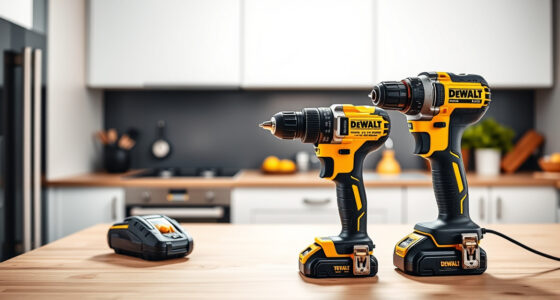
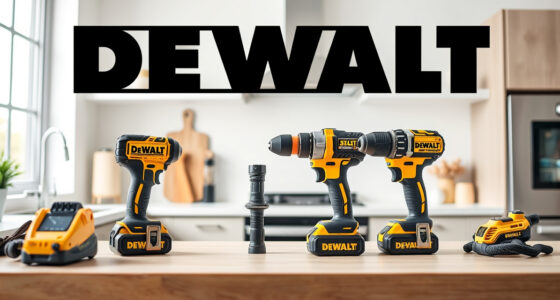
DEWALT 20V MAX Cordless Drill and Impact Driver
- ✔ Color: Black & Gold
- ✔ Runtime: Extended with 5Ah batteries
- ✔ Accessories: Includes charger and carrying bag

DEWALT Drill Bit Set
- ✔ Size Range: Various
- ✔ Web Design: Tapered
- ✔ Coating: Rust-resistant
DEWALT 20V MAX Cordless Drill and Impact Driver
The DEWALT 20V MAX Cordless Drill and Impact Driver (DCK277D2) is a compact, lightweight tool designed for durability and precision. Regular cleaning helps maintain its performance and extends its lifespan.
Pros:
- Lightweight and ergonomic design
- Bright LED for visibility
- Quick bit change with quick release hex chuck
- Includes 2 batteries and charger
Cons:
- Vents can trap dust, requiring regular cleaning
- Battery removal necessary before cleaning
- No waterproofing, avoid using water
Best for: DIY enthusiasts and professionals needing a reliable impact driver
Not ideal for: Tools in extremely dusty or wet environments
Bottom line: A versatile and durable impact driver that benefits from regular cleaning for optimal performance.
DEWALT Drill Bit Set
Pair your impact driver with this DEWALT Drill Bit Set for efficient drilling into plastic, wood, and metal. The 135-degree split point helps reduce walking, enhancing accuracy.
Pros:
- High-Speed Steel for durability
- Includes 14 sizes for versatility
- Tapered web design resists breakage
- Corrosion-resistant coating
Cons:
- Limited to certain materials
- Bits may wear with heavy use
- Requires proper storage to prevent rust
Best for: DIY projects and light to medium-duty tasks
Not ideal for: Heavy-duty industrial applications
Bottom line: A reliable set of drill bits that complements your impact driver well.
Frequently Asked Questions
Can I use water to clean my impact driver?
No, water can damage the electronic components inside. Use dry methods like compressed air and a damp cloth.
How often should I clean my impact driver?
Regular cleaning after heavy use or when you notice dust accumulation will help maintain optimal performance.
Is it safe to spray compressed air directly into vents?
Yes, but use short bursts and hold the can upright to prevent moisture from entering the tool.
What should I do if I see corrosion or rust?
Clean the affected area with a rust remover or a damp cloth with isopropyl alcohol. Consider applying a protective coating afterward.
Keep Your Impact Driver in Top Shape
Regularly cleaning your DEWALT XR Impact Driver ensures reliable performance and longer lifespan. Follow these simple steps to keep your tool free of dust and debris, and always handle it with care. Proper maintenance not only enhances safety but also maximizes your productivity on every job.
Affiliate disclosure: As an Amazon Associate we earn from qualifying purchases. Prices and availability are accurate as of the time of publishing.
Fall Picks
fall essentials
As an affiliate, we earn on qualifying purchases.